WakePlan keeps tomorrow's wake-up plan ready — one system alarm, chosen automatically from your contexts and calendar, so you never forget to set the right one.

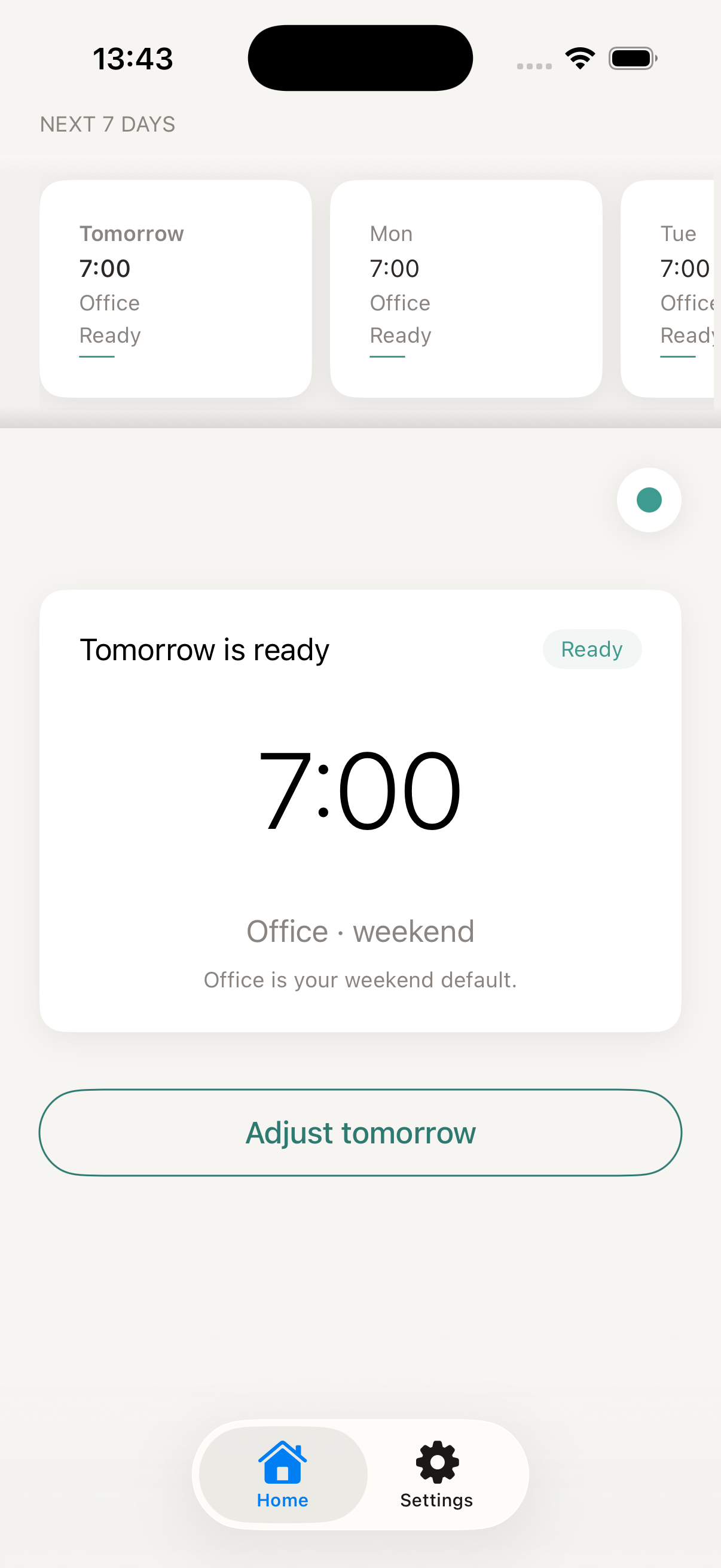
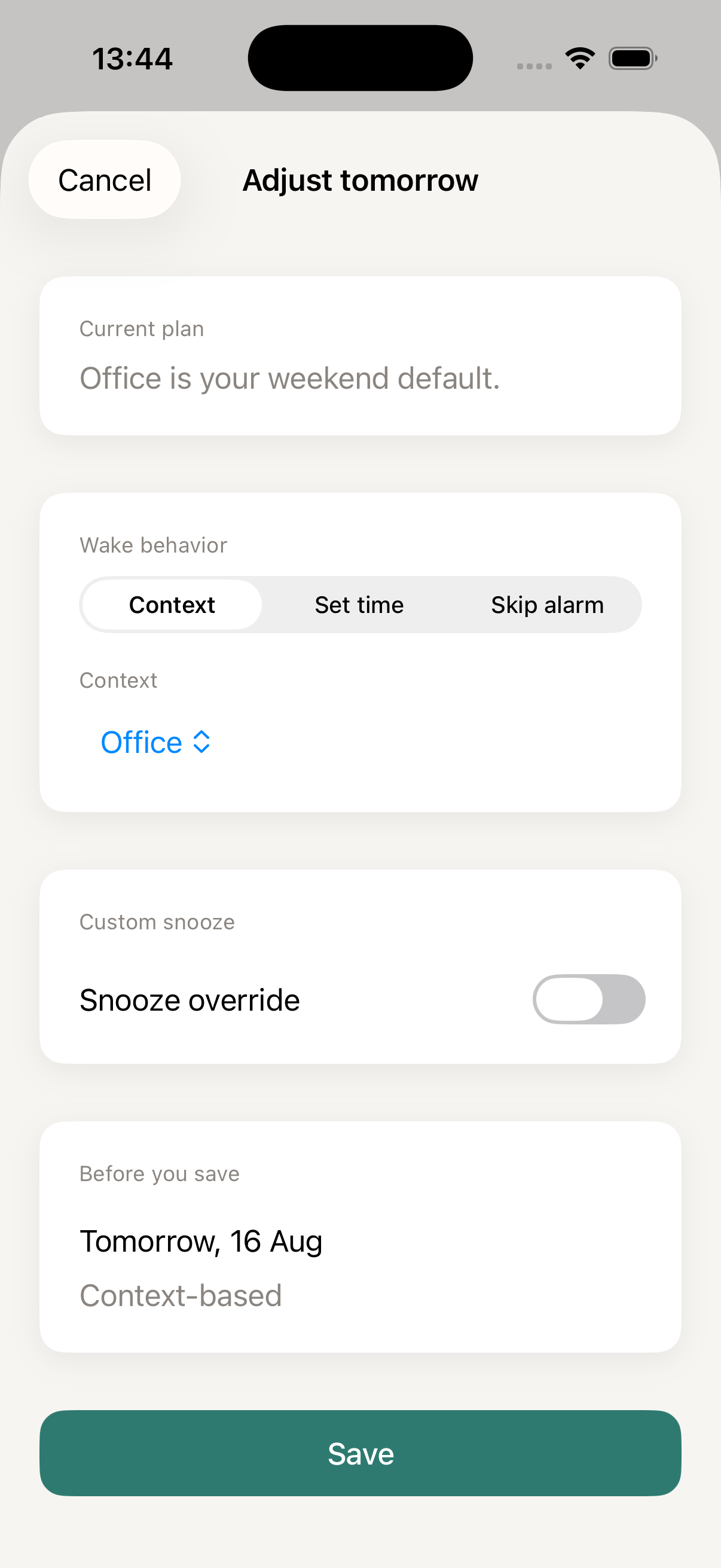
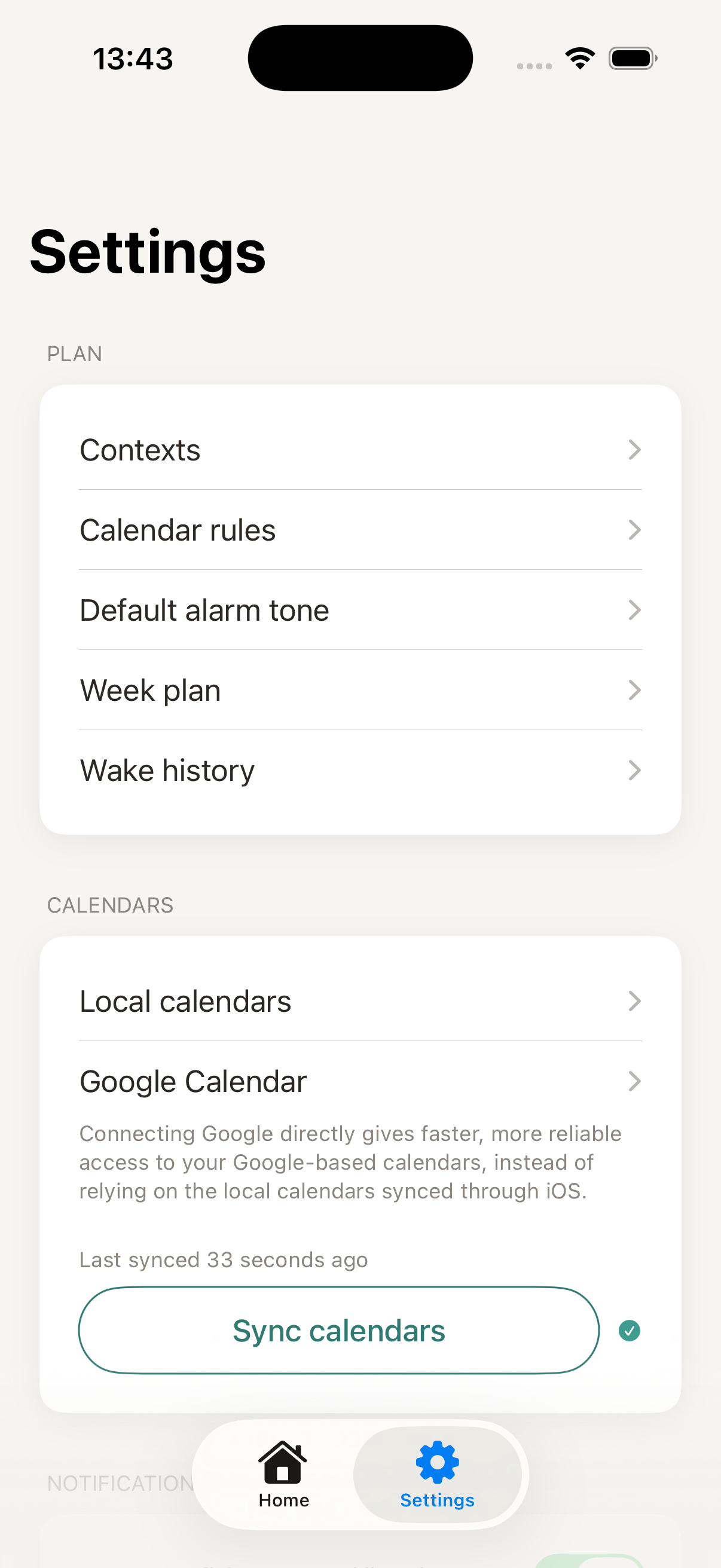
WakePlan is an iOS app that automatically manages your phone's morning alarm. Instead of setting or adjusting an alarm by hand every night, you define "Contexts" (like Home, Office, or a custody schedule) and connect your calendar. WakePlan then figures out the right wake-up time for tomorrow and keeps a single system alarm updated to match — so you never forget to set it, and never wake up to the wrong time.
A quick look at what WakePlan does for you.
WakePlan keeps tomorrow's alarm set and up to date, so you never have to remember to do it yourself.
Define a few contexts — home, office, custody weeks — and WakePlan resolves the right wake time automatically.
Plans change. Override tomorrow's alarm in seconds, with a clear reason shown right on Home.
Real screens from WakePlan, running on iOS.
Everything you need to know before you get started. Read the full guide →
Contexts are the different "modes" of your life that need a different wake-up time — like Home, Office, or a custody-week schedule. You set a default wake time for each context, and WakePlan switches between them automatically based on your calendar and settings.
Weekplans is a feature in Settings that lets you assign a context to each day of a whole week, so you can build patterns like alternating weeks (for example, custody schedules) once and reuse them. You can switch between Weekplans manually, or set rules so WakePlan switches automatically — no need to re-plan the same recurring week by hand.
WakePlan manages one system alarm on your iPhone. It keeps that single alarm updated for tomorrow, so you always have exactly one alarm to trust — no duplicates, no guessing which one is active.
Yes. You can adjust tomorrow's wake time in one tap from the Home screen, and WakePlan will show a clear reason for the override so you remember why it's different.
Calendar access is optional. WakePlan can read calendars you allow through iOS, and you can optionally connect Google Calendar directly for faster, more reliable access to Google-based calendars. In both cases, you choose which calendars to monitor, and WakePlan only reads events to match your rules and plan tomorrow's alarm — it never edits your calendar. See our Privacy Policy for details.
WakePlan is free to try. See the App Store listing for current pricing and any optional in-app purchases.